Website
Choosing between Drupal vs WordPress can feel overwhelming, especially if you’re just starting out and don’t have a technical background. Both platforms are powerful. Both are widely used. But when it comes to usability for beginners, the experience is very different.
If you're planning to launch your personal website, blog, portfolio, or business platform, understanding how each system works from a practical perspective will save you time, money, and frustration.
Let’s break it down clearly.
What Is the Core Difference?
At a high level:
- WordPress focuses on accessibility and ease of use.
- Drupal focuses on flexibility and advanced customization.
When comparing CMS Drupal vs WordPress, the real distinction lies in how much technical knowledge is required to manage and scale the website.
WordPress is designed for non-technical users. Drupal is built with developers in mind.
That difference affects everything, from installation to content editing.
Ease of Installation
WordPress
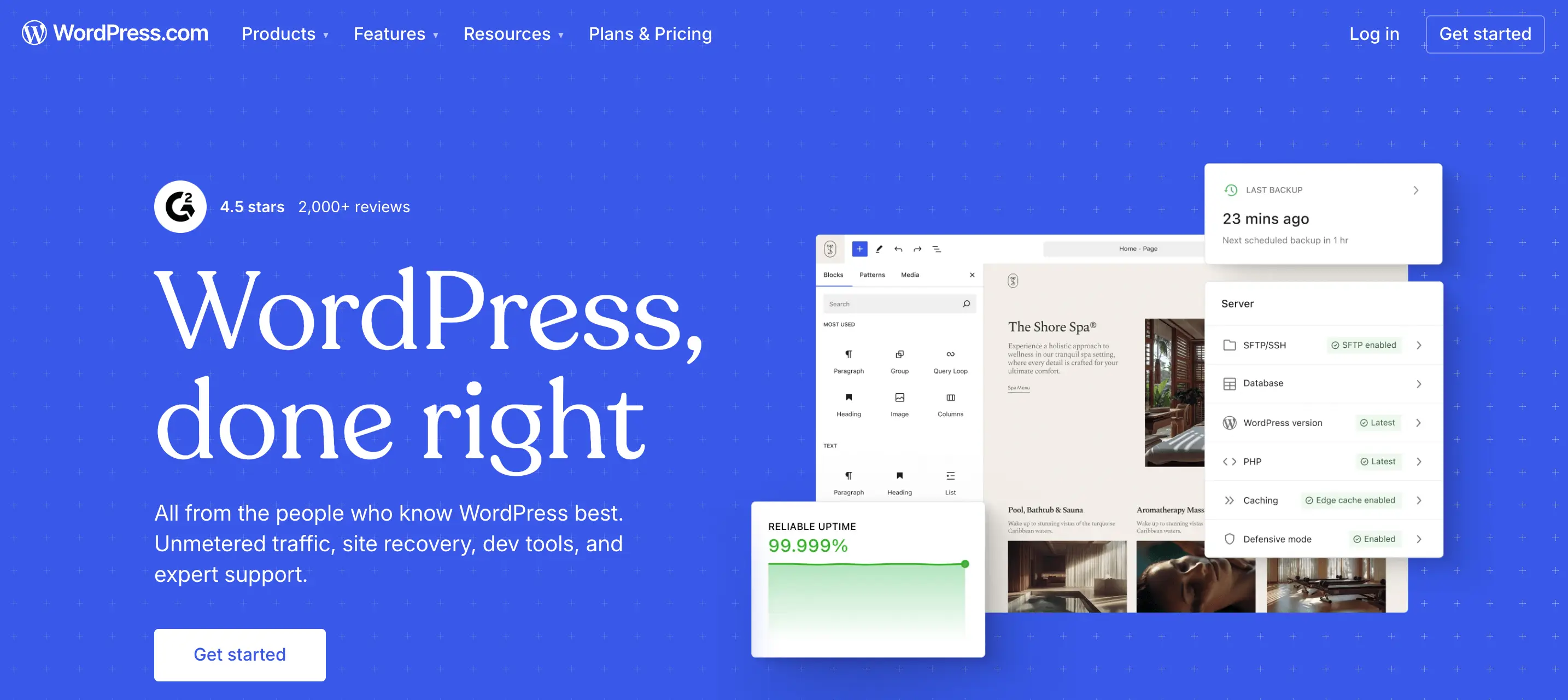
Most hosting providers offer one-click installation.Within minutes, you can log in, pick a theme, and start publishing content.
The interface is intuitive:
- Posts;
- Pages;
- Media;
- Plugins;
- Appearance.
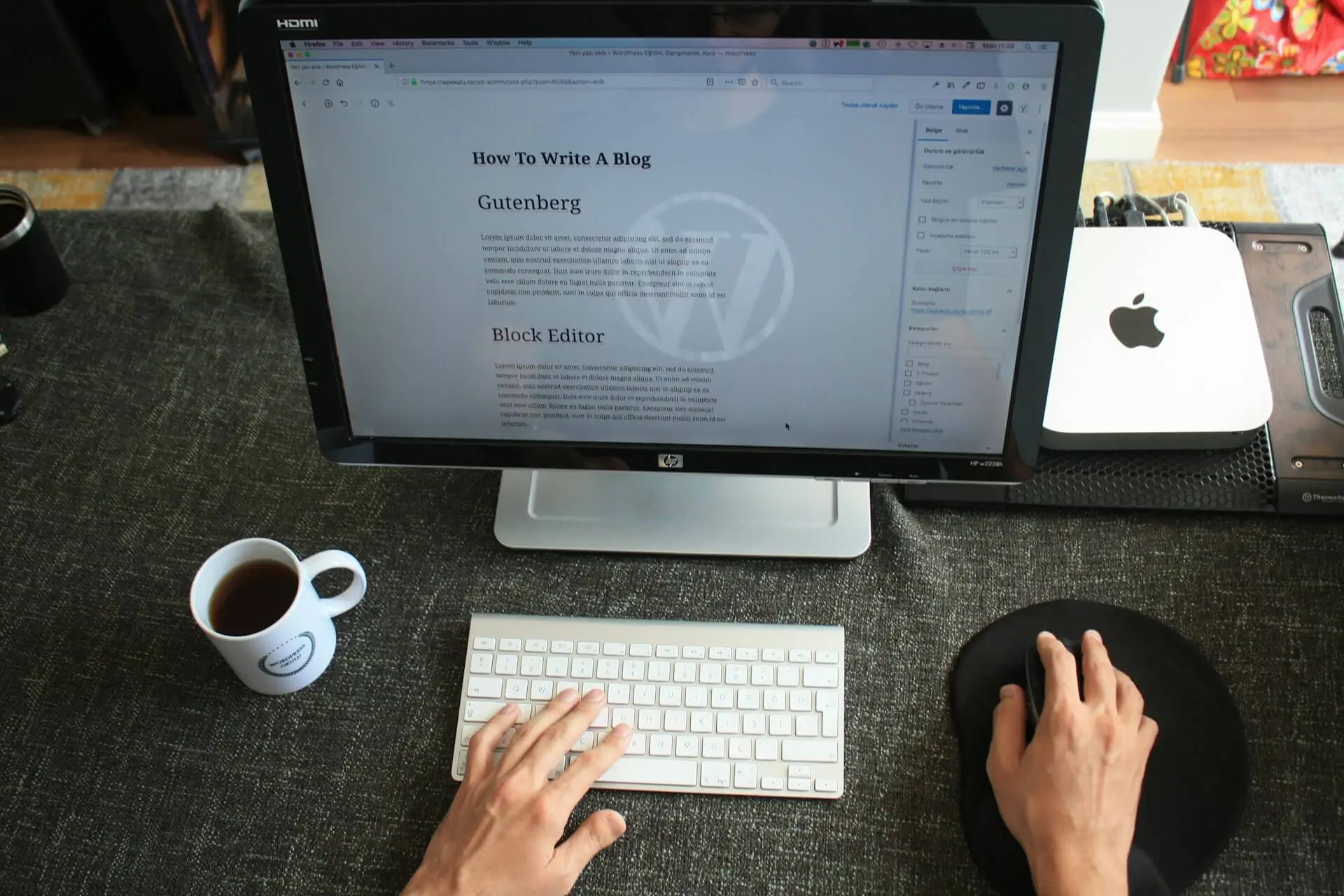
Even without coding knowledge, you can navigate it comfortably.
Drupal
Drupal installation is not necessarily difficult, but configuration takes more effort.
You’ll likely need:
- Understanding of modules;
- Knowledge of content types;
- Familiarity with permissions and structure.
For a beginner, this can feel technical very quickly.
Verdict: If your priority is fast setup with minimal friction, WordPress wins.
Dashboard & Content Management
When evaluating Drupal vs WordPress, usability inside the dashboard matters most.
WordPress Dashboard
- Clean layout;
- Visual editors;
- Drag-and-drop builders available;
- Thousands of beginner-friendly themes.
You can create a page without touching code.
Drupal Dashboard
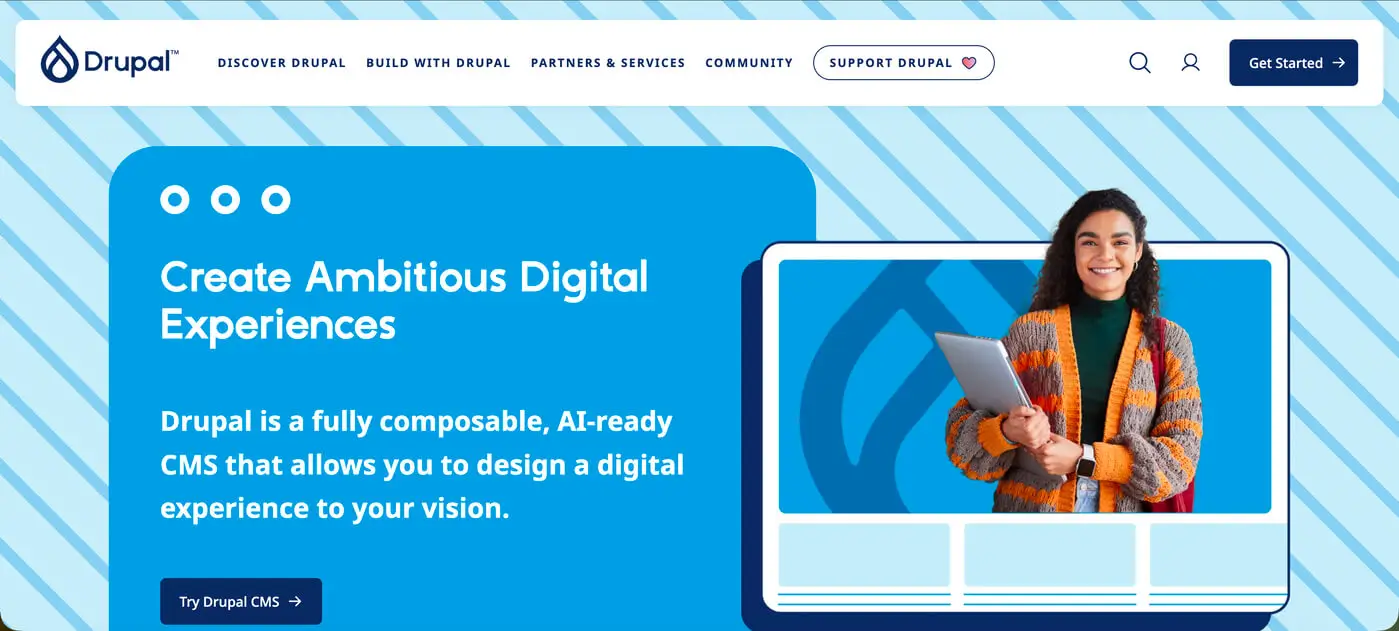
Drupal is structured differently. Instead of focusing on visual simplicity, it prioritizes structured content architecture.
You define:
- Content types;
- Fields;
- Taxonomies;
- Views.
This is powerful, but it requires a learning curve.
For beginners, Drupal may feel like you're building a system rather than simply creating a website.
Design Flexibility
WordPress
- Thousands of themes;
- Page builders (Elementor, Gutenberg, etc.);
- Easy visual customization.
It’s ideal if you want:
- Portfolio site;
- Business website;
- Blog;
- Landing pages.
Drupal
Drupal gives deeper structural control.
It’s strong for:
- Large platforms;
- Government websites;
- Complex permission systems;
- Highly customized content logic.
But achieving a polished UI usually requires developer involvement.
From a UX perspective, the platform is only as good as how it’s structured. I’ve seen both WordPress and Drupal websites perform extremely well, and extremely poorly, depending on how they were designed and implemented.
The CMS itself isn’t the final product. The strategy behind it is.
Pricing Considerations
Both platforms are open-source, meaning the core software is free. However, real-world costs differ.
When looking at WordPress pricing vs Drupal pricing, consider:
WordPress Costs
- Hosting;
- Premium themes (optional);
- Premium plugins (optional);
- Developer support (if needed).
You can start small and scale gradually.
Drupal Costs
- Hosting (often stronger server requirements);
- Developer setup;
- Ongoing maintenance;
- Custom module development.
Drupal projects typically involve higher upfront technical investment.
If you’re just starting, WordPress is usually more budget-friendly and scalable at your own pace.
Security & Performance
Drupal has a reputation for strong security architecture and is often used for enterprise or government websites.
WordPress is also secure, but because it's widely used, it requires:
- Regular updates;
- Quality hosting;
- Proper plugin management.
In reality, security depends more on implementation than platform choice.

So, Which Is More User-Friendly for Beginners?
If your goal is:
- Launching quickly;
- Managing content yourself;
- Minimizing technical complexity;
- Controlling budget.
then WordPress is generally the better starting point.
If your goal is:
- Building a large-scale structured platform;
- Handling complex permissions;
- Managing highly customized content architecture.
then Drupal may be worth considering - with developer support.
A More Important Question: Platform or Strategy?
Many beginners focus heavily on drupal vs wordpress, but the more important question is:
Is the website structured correctly from the start?
- Is the content hierarchy clear?
- Is the UX intuitive?
- Is SEO integrated properly?
- Is the system scalable?
I’ve worked on projects where WordPress outperformed complex Drupal setups, simply because the structure and UX were thoughtfully planned.
And I’ve seen Drupal power impressive platforms when the architecture required it.
The CMS is a tool. The outcome depends on how it’s designed and built.
Final Thoughts
For beginners, WordPress usually feels more accessible, affordable, and manageable.
Drupal offers depth and structural power, but expects technical understanding.
If you’re unsure which platform suits your project, the decision shouldn’t be based on popularity alone. It should be based on:
- Business goals;
- Content complexity;
- Long-term scalability;
- Budget;
- Internal technical skills.
If you're planning a new website and want help choosing the right platform, or making sure it’s designed and built properly from the beginning, that’s something I regularly help clients clarify before development even starts.
Reach out here and let’s look at your project together.
Choosing the right system is important. Designing it strategically is what actually makes it work.
About the Author:

As a blog author at Mykola Designer, I explain how global teams can build high-converting and trust-building websites. In my articles, I combine strategic UI/UX design with expert marketing and no-code development and provide full-scale landing pages, brand identity systems, and SEO/GEO optimization for startups looking to turn concepts into scalable products.
Let’s connect on LinkedIn or X to build awesome projects together.
Share this article:


