Website
Design
Development
Webflow remains a strong design-to-web platform, but in 2026 many designers look beyond it due to pricing, CMS limitations, ecommerce needs, or workflow preferences. Depending on the project, alternatives can offer better content management, faster delivery, simpler client handoff, or stronger specialization. This article breaks down the best Webflow alternatives for designers, focusing on real-world use cases rather than hype.
What Makes a Strong Webflow Alternative for Designers
A viable alternative to Webflow should meet most of the following criteria:
- Visual control over layout and spacing
- Flexible CMS for real content, not just static pages
- Solid SEO and performance foundations
- Reasonable learning curve for designers
- Clean client editing and handoff experience
- Scalability without locking projects into a rigid system
Not every platform checks every box. The key is matching the tool to the project.
Best Webflow Alternatives for Designers
WordPress
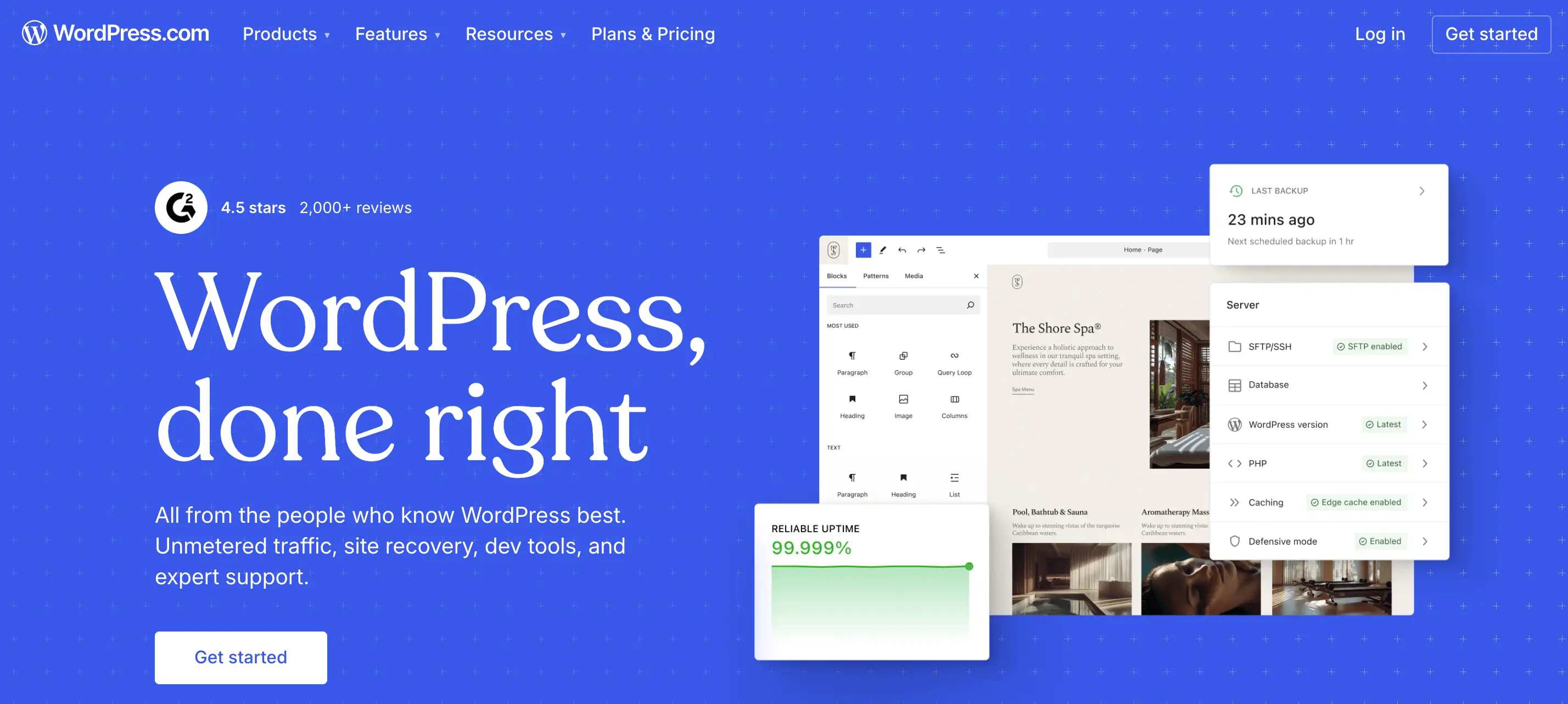
WordPress remains the most flexible free alternative to Webflow, especially when paired with modern page builders or custom themes.
Its core strength lies in how content can be modeled and extended. WordPress supports custom post types, custom fields, taxonomies, and granular user roles, allowing designers to build websites with complex page relationships, reusable content blocks, and scalable information architecture. This makes it well suited for blogs, editorial platforms, service websites, and large multi-page structures.
From a technical standpoint, WordPress provides direct control over SEO fundamentals such as URLs, metadata, schema, internal linking, and performance optimization. Hosting is fully decoupled from the platform, which allows projects to scale or be optimized without changing tools.
Strengths
- Powerful CMS and blogging capabilities
- Mature SEO ecosystem
- Full ownership and hosting flexibility
Limitations
- Requires setup and ongoing maintenance
- Design consistency depends on implementation quality
Best for: Content-heavy sites, SEO-driven projects, long-term scalable platforms.
Wix
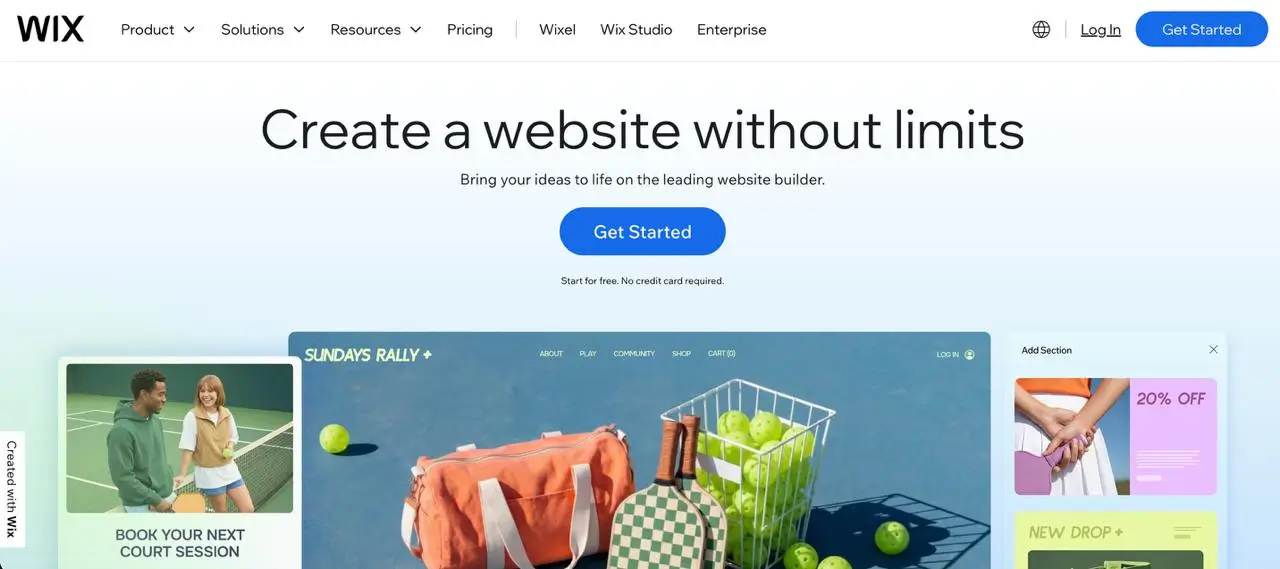
Wix has evolved into a more design-capable platform, particularly with its professional tooling aimed at freelancers and small studios.
It prioritizes speed, ease of use, and all-in-one convenience. Compared to Webflow, it trades deep layout control for faster delivery and simpler client management.
Strengths
- Quick visual building
- Integrated hosting, CMS, and SEO tools
- Low technical overhead
Limitations
- Less granular control over layouts
- Limited flexibility for complex structures
Best for: Small business sites, fast launches, low-maintenance projects.
Framer
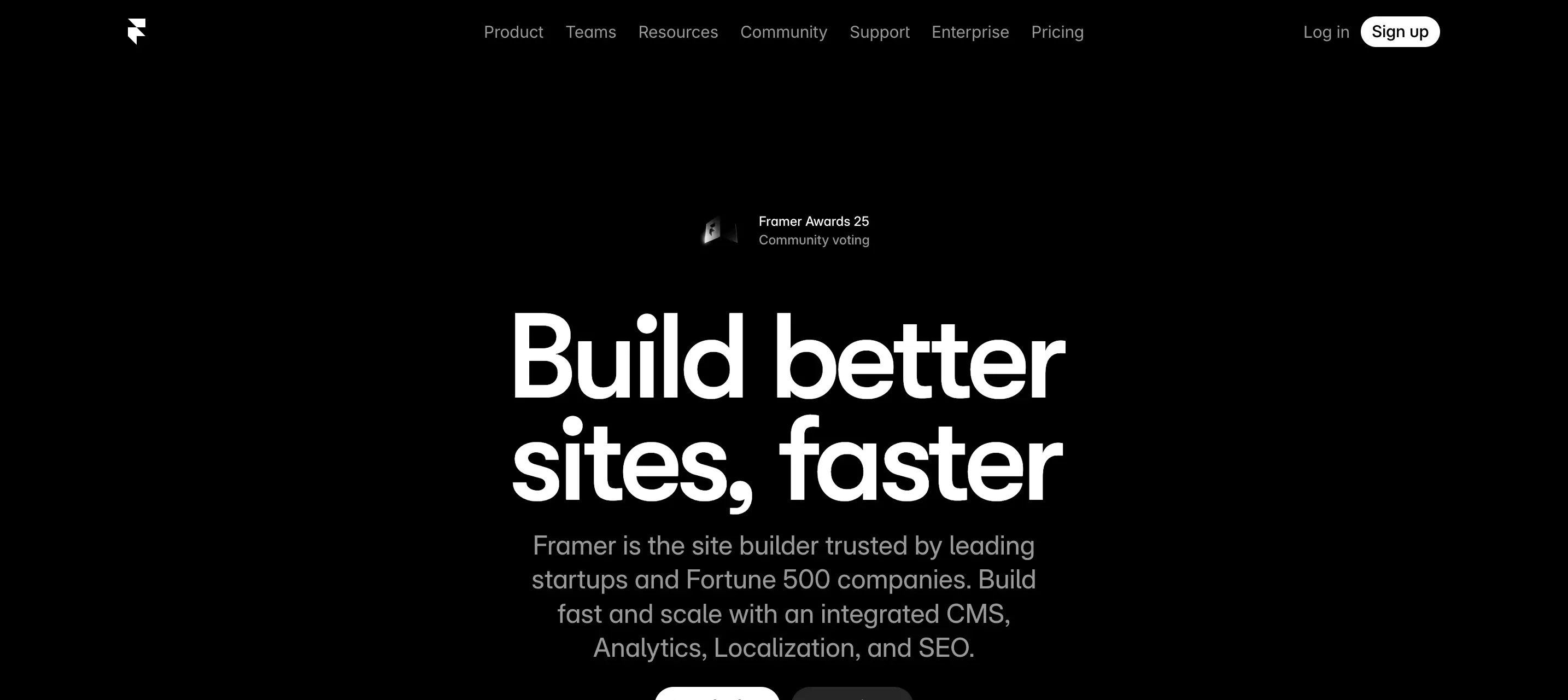
Framer positions itself as a design-native website builder, appealing strongly to UI and UX designers.
It emphasizes animation, interaction, and responsiveness with minimal friction between design and production. While visually powerful, its CMS capabilities are more limited compared to Webflow.
Strengths
- Designer-first workflow
- Strong interaction and animation tools
- Fast iteration for marketing pages
Limitations
- Limited CMS depth
- Not ideal for large content structures
Best for: Landing pages, marketing sites, portfolios, product launches.
Shopify

Shopify is not a general website builder, but it is a great alternative when ecommerce is the core requirement.
It replaces Webflow Ecommerce with a more mature system for payments, inventory, checkout, and scalability. Design flexibility exists, but always within an ecommerce-first framework.
Strengths
- Best-in-class ecommerce infrastructure
- Reliable checkout and payment flows
- Strong ecosystem of apps
Limitations
- Content-heavy layouts are harder to manage
- Design freedom is secondary to commerce
Best for: Online stores, product-focused brands, scalable ecommerce sites.
Squarespace
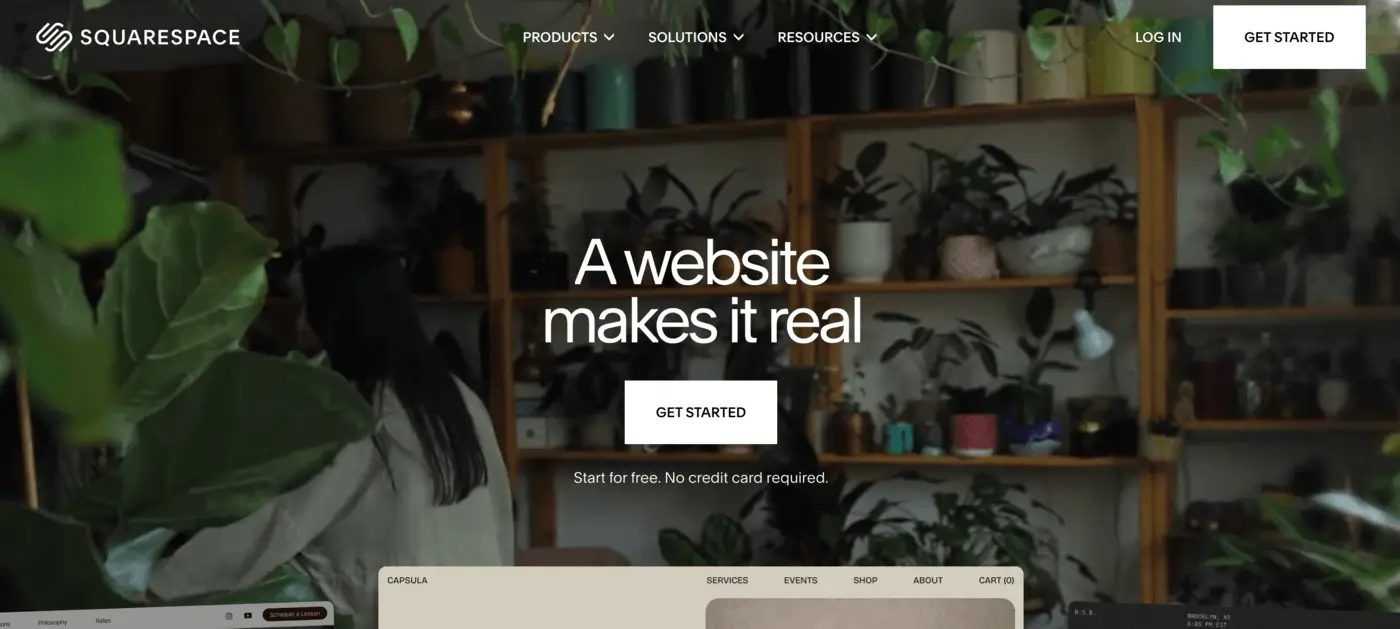
Squarespace focuses on polished templates and visual consistency rather than custom layouts.
Compared to Webflow, it offers less flexibility but a smoother experience for designers who want predictable results with minimal configuration.
Strengths
- Strong design consistency
- Simple content editing for clients
- Minimal setup and maintenance
Limitations
- Limited layout customization
- Not suited for complex or unique designs
Best for: Portfolios, service websites, creators, small teams.
Craft CMS
Craft CMS is a CMS-first alternative suited for designers working with developers.
It offers advanced content modeling and full design freedom, but requires custom front-end development. Compared to Webflow, it shifts control from visual building to structured systems.
Strengths
- Highly flexible content architecture
- Strong performance and scalability
- No imposed front-end constraints
Limitations
- Requires development resources
- Longer setup and build cycles
Best for: Custom builds, complex content systems, enterprise-level projects.
Final Thoughts
Webflow is a capable platform, but it is not always the right starting point. In 2026, alternatives like WordPress, Framer, Wix, Shopify, and Craft CMS often provide a better fit depending on content needs, scalability, SEO requirements, and long-term maintenance.
If you’re unsure which platform to choose, that uncertainty is common. The wrong decision at the beginning can lead to limitations later, especially when a website needs to grow, rank in search, or support ongoing content updates.
If you need help selecting the right platform and building a professional, SEO-friendly website, I work on development projects focused on clean structure, performance, and long-term usability. The goal is not just to launch a site, but to choose a foundation that supports your business over time.
About the Author:

As a blog author at Mykola Designer, I explain how global teams can build high-converting and trust-building websites. In my articles, I combine strategic UI/UX design with expert marketing and no-code development and provide full-scale landing pages, brand identity systems, and SEO/GEO optimization for startups looking to turn concepts into scalable products.
Let’s connect on LinkedIn or X to build awesome projects together.
Share this article: