Blog
Our blog
0min
|
Website
|
SEO
|
How to Find and Fix Broken Links on Your Website
Broken links are one of those small issues that quietly damage your website over time. You don’t always notice them right away, but your users and search engines definitely do.
If you're managing a website, understanding how to identify and fix broken links is essential for maintaining both usability and SEO performance.

What Is a Broken Link?
Before fixing anything, it’s important to understand what is a broken link.
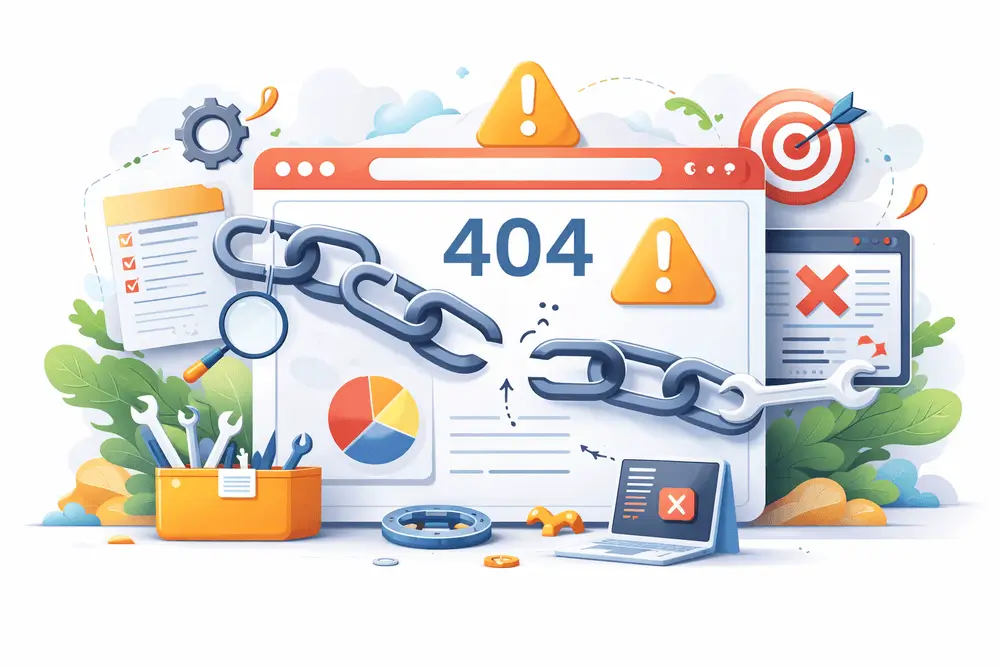
A broken link is any link that leads to a page that no longer exists or cannot be accessed. Instead of loading the expected content, users typically see a 404 error or similar message.
Common causes include:
- Deleted or moved pages
- Incorrect URLs
- Changes in website structure
- External pages being removed
From a user perspective, broken links interrupt the experience. From a technical perspective, they signal poor site maintenance.
Why Broken Links Matter
You might think one or two broken links aren’t a big deal, but they can have a real impact.
1. User Experience
When users click a link and land on an error page, it creates friction. Too many of these moments can reduce trust and increase bounce rates.
2. SEO Impact
If you're wondering if broken links affect seo, the answer is yes.
Broken links can interfere with how search engines crawl your website. According to Google Search Central, pages returning errors like 404s can affect how efficiently your site is crawled and indexed over time.
Search engines use links to crawl and understand your website. Broken links can:
- Disrupt crawling
- Waste crawl budget
- Signal outdated or poorly maintained content
While a few broken links won’t destroy rankings, a large number of them can negatively affect performance over time.
3. Site Credibility
A website with broken links feels outdated. Especially for business websites, this can impact how users perceive your professionalism.
How to Find Broken Links
Finding issues early is key. There are several practical ways to approach how to find broken links.
1. Use Online Tools
There are many tools that scan your website and highlight broken links automatically.
Popular options include:
- Ahrefs
- Screaming Frog SEO Spider
- Ubersuggest
- Semrush
- Google Search Console
These tools can detect:
- Internal broken links
- External broken links
- Redirect issues
If you're working on a larger site, using a crawler like Screaming Frog is one of the most efficient methods.
2. Manual Checks
For smaller websites, you can manually check key pages:
- Navigation menus
- Footer links
- Blog articles
- Landing pages
This isn’t scalable, but it helps catch obvious issues.
3. Regular SEO Audits
If you’re managing content regularly, broken link checks should be part of your routine technical SEO audits.
This is especially important if you frequently:
- Update content
- Remove pages
- Change URLs
Understanding how to find broken links on website consistently helps prevent long-term issues.

How to Fix Broken Links
Once you identify them, the next step is knowing how to fix broken links effectively.
1. Update the URL
If the page still exists but the URL changed:
- Replace the broken link with the correct one
2. Redirect the Old URL
If a page was moved or replaced:
- Set up a 301 redirect to the new page
This preserves both user flow and SEO value.
3. Remove the Link
If the content no longer exists and isn’t relevant:
- Remove the link entirely
- Or replace it with a more relevant resource
4. Fix Internal Structure
Sometimes broken links are a symptom of deeper structural issues:
- Poor URL management
- Lack of redirect strategy
- Inconsistent content updates
Fixing these at the system level prevents repeated problems.
Why Broken Links Are More Than a Technical Issue
From a UX perspective, broken links are not just errors, they’re friction points.
Every broken link is:
- A dead end
- A lost opportunity
- A break in user flow
When I audit websites, broken links often reveal bigger issues:
- Weak content structure
- Poor navigation planning
- Lack of long-term content strategy
Fixing the link is easy. Fixing the system behind it is what actually improves the experience.
Best Practices to Prevent Broken Links
Instead of constantly fixing issues, it’s better to prevent them.
Here are some practical habits:
- Keep URLs consistent
- Avoid unnecessary page deletions
- Always set up redirects when changing URLs
- Run regular link audits
- Monitor your site through SEO tools
These small steps help maintain a clean, reliable website.

Final Thoughts
Broken links may seem minor, but they affect both how users experience your website and how search engines evaluate it.
If you manage your site actively, learning how to find and fix broken links should be part of your ongoing process, not a one-time fix.
If you're not sure whether broken links are affecting your website, I can run a full website audit, fix existing issues, and make sure your site is clean, functional, and error-free.
Because a well-built website doesn’t just look good. It works consistently, without friction.

0min
|
SEO
|
Best Alternative Search Engines to Google (2026 Guide)
Google is the default choice for most users, but it is far from the only option. A growing number of people are exploring alternative search engines to gain more control over privacy, discover less-filtered content, or simply improve how they search.
The idea is not always to replace Google completely. In many cases, using a combination of search engines leads to better, more balanced results.
Why People Are Switching to Alternative Search Engines
Google’s dominance comes with trade-offs. Understanding these helps explain why users are actively looking for alternative search engines other than Google.
Privacy and Data Collection
Google personalizes results based on search history, location, and behavior. While this can improve relevance, it also means:
- Extensive data tracking;
- Ad targeting based on user activity;
- Limited anonymity.
Many alternative search engines position themselves around not collecting or storing personal data, which is a major reason users switch.
Filtered Results and Bias
Google’s algorithm prioritizes content based on relevance, authority, and personalization. However, this can lead to:
- Repetitive results from large websites;
- Less visibility for niche or independent sources;
- Reduced exposure to alternative viewpoints.
Some search engines avoid personalization entirely, giving more neutral results.
Increasing Ads in Search Results
It is common to see multiple paid results before any organic listings. This affects:
- Click behavior;
- Trust in top-ranking results;
- Overall user experience.
Alternative platforms often reduce ad placement or separate ads more clearly.
Desire for Different Search Experiences
Different engines use different ranking systems. This means:
- You may find content not visible on Google;
- Some engines specialize in certain types of searches;
- Results can feel less repetitive.
This is why many users explore the best alternative search engines to Google rather than relying on one platform.
Best Alternative Search Engines (Detailed Overview)
Below is a deeper look at the most relevant options and how they compare in real-world use.
DuckDuckGo
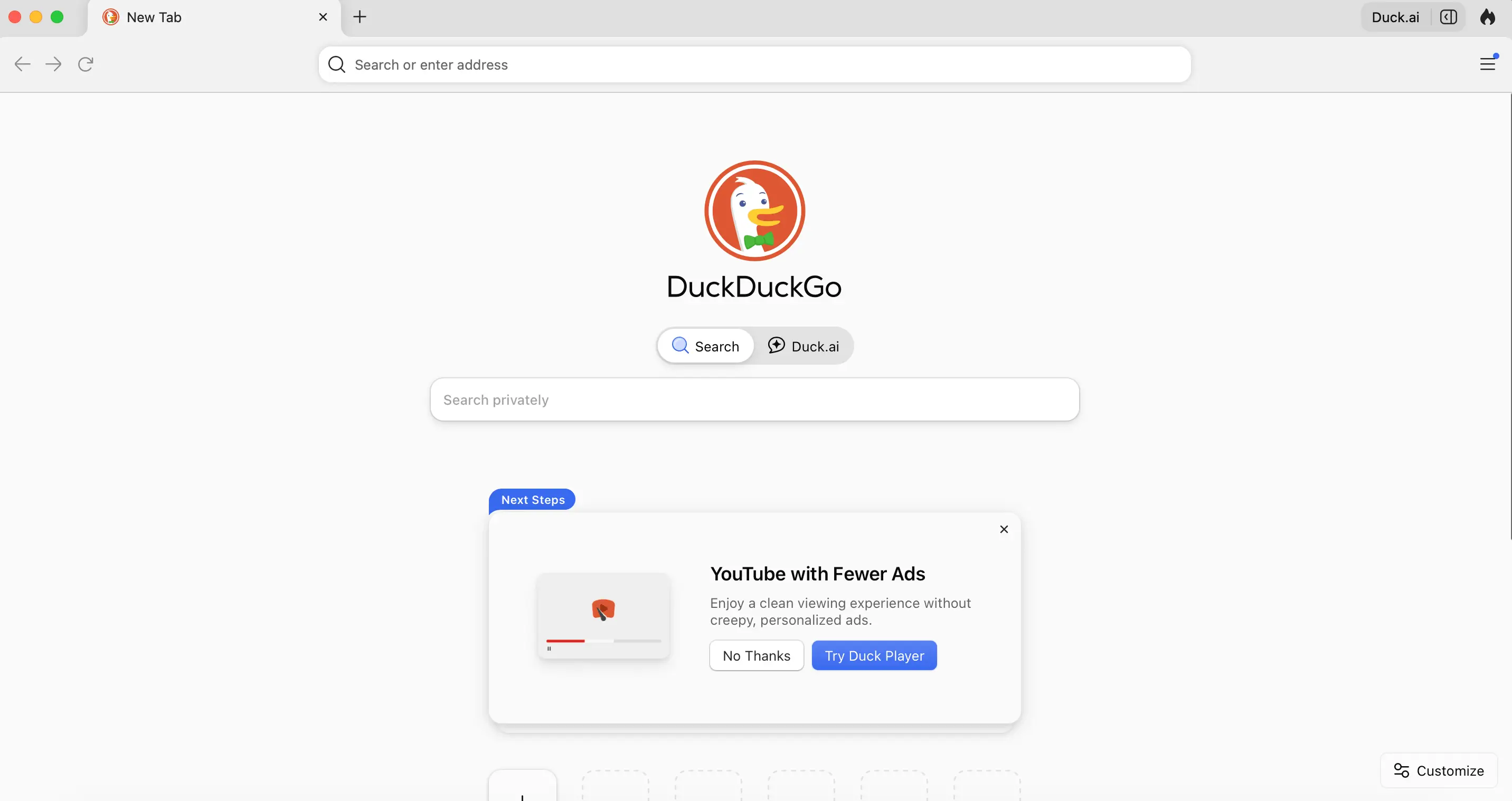
DuckDuckGo is one of the most recognized names when discussing alternative search engines better than Google for privacy. DuckDuckGo pulls results from multiple sources, including its own crawler and third-party providers, without building user profiles.
Strengths:
- No tracking or search history storage;
- Consistent, non-personalized results;
- Fast and lightweight interface;
- “Bangs” feature for quick site-specific searches (e.g., !amazon, !wikipedia).
Limitations:
- Results can be less refined for very specific or technical queries;
- Heavy reliance on external data sources.
Best use case: Daily browsing, general searches, and users prioritizing privacy over deep personalization.
Bing
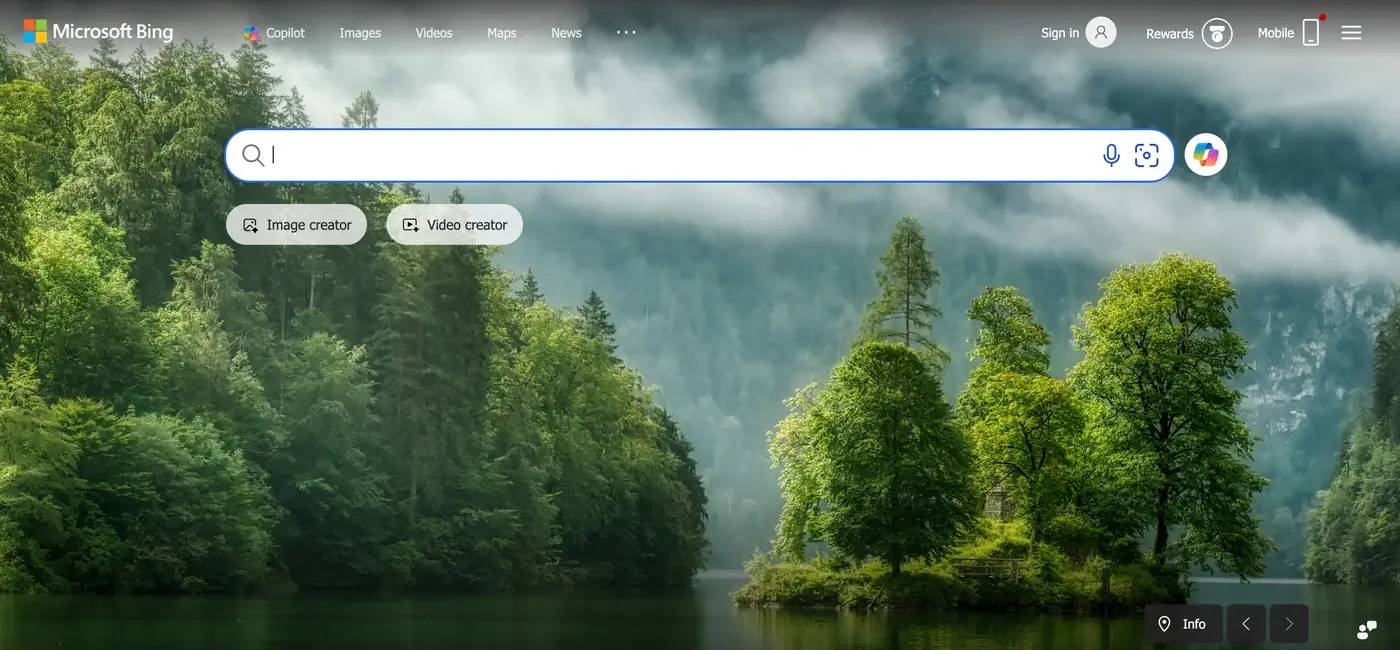
Bing is the closest direct competitor in terms of scale.
Powered by Microsoft, Bing uses its own indexing system and integrates AI features into search.
Strengths:
- Strong multimedia search (images and videos);
- Integrated AI and enhanced search previews;
- Rewards system that incentivizes usage;
- Often surfaces with different rankings than Google.
Limitations:
- Still collects user data;
- Less dominant index compared to Google.
Best use case: Users who want a Google-like experience but with slightly different results and features.
Brave Search
Brave Search stands out for its independence. Unlike many competitors, Brave Search uses its own index rather than relying heavily on Google or Bing.
Strengths:
- Independent search infrastructure;
- Transparent ranking approach;
- No tracking or profiling;
- Option to mix in results from other engines if needed.
Limitations:
- Smaller index compared to Google;
- May lack depth for niche queries.
Best use case: Users who want a truly independent and privacy-focused alternative.
Startpage
Startpage is often described as a “private version of Google.” It fetches Google results but removes all tracking and identifying data.
Strengths:
- Google-quality results without tracking;
- Anonymous browsing through proxy features;
- Strong privacy protections (based in Europe).
Limitations:
- Still dependent on Google’s index;
- Slightly slower due to privacy layers.
Best use case: Users who want familiar results but without data collection.
Ecosia

Ecosia adds a purpose-driven model to search. It uses Bing’s infrastructure and generates revenue through ads, which is then used to fund tree-planting projects.
Strengths:
- Clear environmental mission;
- Transparent financial reporting;
- Simple and easy to use;
Limitations:
- Results depend on Bing;
- Not focused on advanced search features.
Best use case: Users who want their daily searches to contribute to environmental impact.
Qwant
Qwant is a European alternative focused on neutrality and privacy. It combines its own indexing with external sources while avoiding tracking.
Strengths:
- No user profiling;
- Balanced and neutral results;
- Strong integration of news and trending content.
Limitations:
- Smaller index than major engines;
- Less effective for highly specific queries.
Best use case: Users looking for a privacy-first search engine with a different regional perspective.
Yahoo Search

Yahoo continues to function as a search engine, though it relies heavily on Bing. It aggregates search results while combining them with content like news and email.
Strengths:
- Familiar interface;
- Content-rich experience;
- Easy and intuitive navigation across services.
Limitations:
- Not an independent search engine;
- Results largely mirror Bing.
Best use case: Users who prefer an all-in-one web portal experience.
Are Alternative Search Engines Better Than Google?
The question is not whether one is universally better, but which is better for your needs.
Google excels in:
- Depth and accuracy of results;
- Speed and indexing scale;
- Handling complex and long-tail queries.
However, many alternative search engines outperform Google in areas like:
- Privacy protection;
- Reduced tracking;
- Simpler interfaces;
- Access to less-filtered content.
For example, DuckDuckGo or Brave may feel more transparent, while Startpage offers a balance between privacy and result quality.
When It Makes Sense to Use Alternatives
Instead of switching completely, many users adopt a hybrid approach.
Use alternative search engines when:
- You want unbiased or non-personalized results;
- You are researching sensitive topics;
- You want to avoid tracking;
- You are looking for different sources or perspectives.
Use Google when:
- You need highly accurate or technical results;
- You are searching for local businesses or real-time data;
- You want the fastest and most refined answers.
How to Choose the Right Alternative Search Engine
If you are asking what is an alternative search engine to Google that fits your workflow, focus on your priorities:
- Privacy-first: DuckDuckGo, Startpage;
- Independent index: Brave Search;
- Feature-rich experience: Bing;
- Sustainability focus: Ecosia;
- Neutral results: Qwant.
You can also set a default engine in your browser and switch when needed.
Final Thoughts
Exploring alternative search engines is less about replacing Google and more about improving how you search.
Each platform offers a different perspective on the web. Some prioritize privacy, others independence, and some focus on purpose-driven impact. By testing a few options, you can build a search experience that aligns better with your preferences and gives you access to a broader range of information.
0min
|
Design
|
10 Signs Your Business Needs a Brand Refresh
Your brand is often the first impression people get when they discover your business. It shapes how customers perceive your professionalism, credibility, and expertise.
But brands are not static. As markets evolve, businesses grow, and customer expectations shift, even strong brands can start to feel outdated or misaligned.
A brand refresh allows companies to modernize their visual identity, messaging, and digital presence while keeping the core brand recognition they have already built.
If you're unsure whether the time has come to update your brand, the following signs can help you evaluate your current position.
1. Your Visual Identity Feels Outdated
Design trends and digital standards evolve quickly. Elements that looked modern years ago may now feel visually heavy, cluttered, or inconsistent with current expectations.
Some common signals include:
- overly complex logos;
- outdated typography;
- inconsistent color usage;
- visual styles that don’t translate well to modern websites or mobile devices.
A brand identity refresh allows businesses to modernize these elements while keeping recognizable aspects of the original brand.
2. Your Brand No Longer Reflects Your Business
Many companies grow beyond the identity they originally launched with.
For example, your business may have:
- expanded into new services;
- moved into a different market segment;
- shifted from small clients to enterprise clients;
- evolved into a more specialized offering.
If your branding still communicates the earlier version of the business, it may be time to refresh your brand so it accurately represents where your company is today.

3. Your Brand Looks Inconsistent Across Platforms
Consistency is essential for trust and recognition. Customers interact with your brand across multiple touchpoints:
- your website;
- social media profiles;
- marketing materials;
- landing pages;
- digital advertisements.
If each platform uses slightly different styles, fonts, or messaging, the brand can start to feel fragmented.
A brand identity update helps unify these elements and establish a clear system that works across all platforms.
4. Your Website Doesn’t Reflect Your Brand
In many industries, the website is the primary environment where customers experience the brand.
However, it’s common to see businesses where the website feels disconnected from the brand identity.
This might include issues such as:
- unclear visual hierarchy;
- inconsistent design elements;
- messaging that doesn’t reflect brand positioning;
- poor UX structure.
A brand refresh often includes aligning the website experience with the brand so that design, content, and user experience work together.

5. Competitors Appear More Modern or Professional
Brand perception is always relative. Even if your brand once stood out, newer competitors may enter the market with:
- cleaner design systems;
- stronger digital experiences;
- clearer positioning;
- more modern visual identities.
When this happens, your brand may start to appear less competitive.
Refreshing the brand helps businesses reposition themselves visually and strategically within the market.
6. Your Brand No Longer Resonates With Your Audience
Target audiences evolve over time. The people you are trying to reach today may have different expectations compared to when the brand was first created.
Signs of misalignment may include:
- low engagement with your content;
- messaging that feels outdated;
- visual identity that doesn’t appeal to your audience segment.
A brand refresh can help recalibrate the brand to better resonate with current customers.
7. Your Brand Is Difficult to Scale
Many businesses realize their brand lacks structure when they begin expanding their marketing efforts.
Without a clear system, creating new materials becomes inconsistent and inefficient.
For example:
- each landing page looks slightly different;
- marketing assets lack cohesion;
- new campaigns require reinventing design elements.
Professional brand refresh services typically include creating scalable design systems, brand guidelines, and visual frameworks that support growth.

8. Your Brand Blends In With Competitors
In some industries, brands start to look almost identical.
Similar color palettes, identical messaging styles, and predictable layouts can make it difficult for customers to distinguish between businesses.
A brand refresh provides an opportunity to:
- refine visual identity;
- clarify brand positioning;
- strengthen differentiation.
This helps your business stand out more clearly in the market.
9. You're Unsure Whether You Need a Refresh or a Full Rebrand
Many companies assume they need a complete transformation when the real need is more strategic refinement.
Understanding brand refresh vs rebrand can clarify the right direction.
Brand Refresh
- modernizes visual identity;
- refines messaging;
- improves consistency;
- keeps existing brand recognition.
Rebrand
- changes brand name or positioning;
- replaces the visual identity entirely;
- introduces a new brand concept.
For many businesses, a refresh provides the improvements they need without losing brand equity.
10. Your Brand No Longer Reflects the Quality of Your Work
Sometimes the biggest signal is internal.
Your team knows the business has grown, improved, and developed deeper expertise, but the brand still communicates an earlier stage of the company.
When this gap appears, the brand can unintentionally undervalue the business.
A strategic brand refresh helps bring the brand presentation in line with the quality, experience, and professionalism of the company.
Final Thoughts
Brands evolve alongside businesses.
A well-executed brand refresh helps modernize identity, strengthen consistency, and improve how a company presents itself to customers.
Rather than starting from scratch, it builds on what already exists while refining the elements that need improvement.
If you're considering a brand refresh or thinking about how your current brand identity could be improved, I work with businesses to align digital branding with strong digital experiences.
Sometimes a thoughtful update is all it takes to transform how a brand is perceived.
0min
|
AI
|
Design
|
Development
|
From Code to Canvas: Turning Production Interfaces into Fully Editable Design Files
For years, product teams have worked in a familiar loop:
Design the interface.
Build the interface.
Then redesign it once reality hits.
But in modern workflows, especially with AI-assisted development, interfaces often start in code. Developers prototype with real data. AI tools generate layouts instantly. Teams iterate directly in the browser.
And then comes the friction.
When it’s time to refine layouts, adjust hierarchy, explore variations, or align with a design system, designers frequently have to rebuild everything manually inside their design tool.
Screenshots aren’t editable.
Specs don’t capture nuance.
Recreating live UI wastes time.
What if working code could become the starting point for collaborative design, not the end of it?
Introducing a Code-to-Canvas Workflow
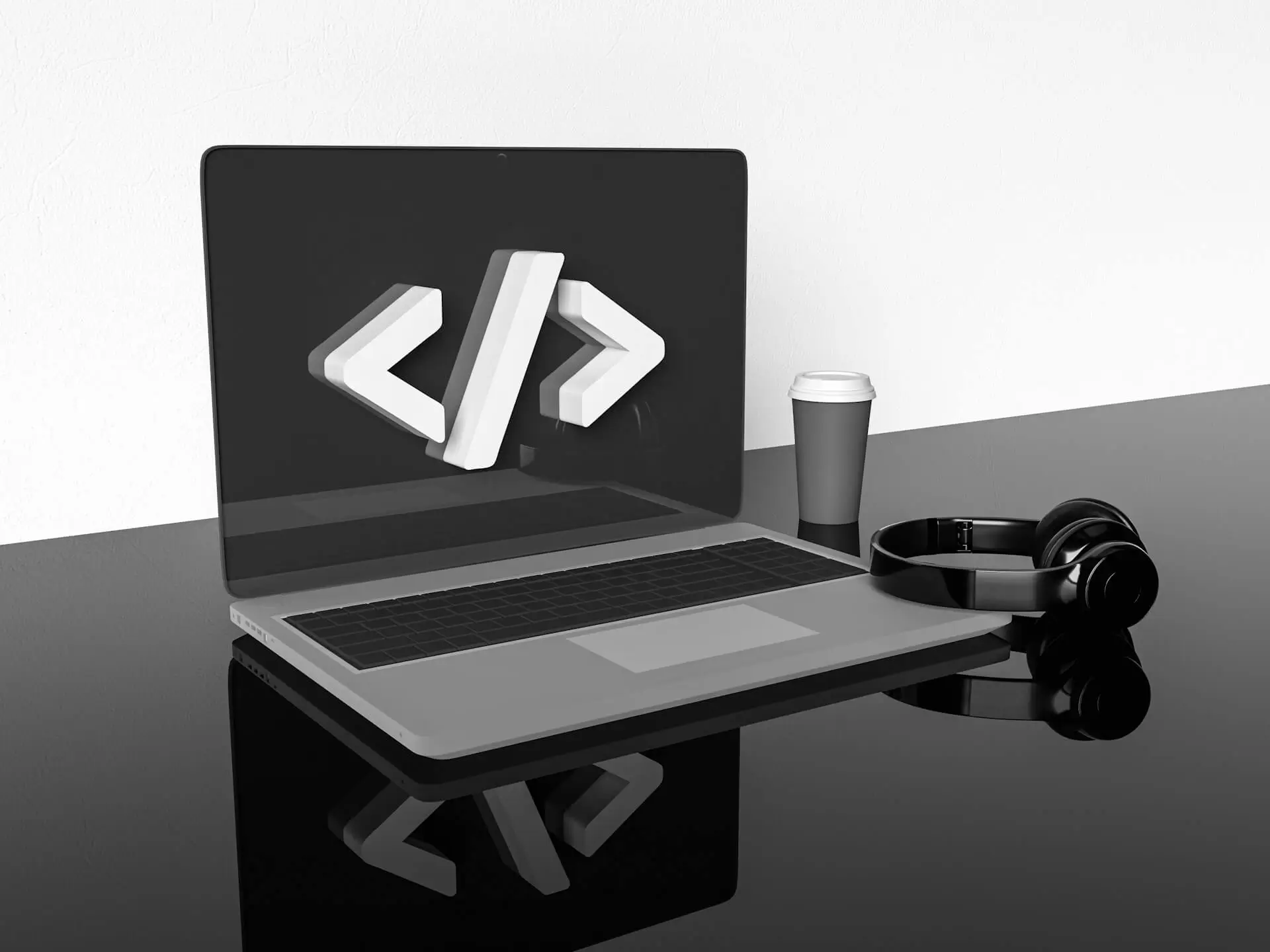
The Code-to-Canvas workflow transforms live interfaces into fully editable design files.
Instead of exporting flat images, teams can capture production or staging UIs and convert them into structured design frames, complete with layers, auto layout behavior, spacing logic, typography hierarchy, and component groupings.
This means:
- Real layout structure, not static visuals;
- Editable text layers;
- Component-ready sections;
- Preserved spacing and alignment;
- A foundation for design system refinement.
It’s not about replacing design. It’s about eliminating duplication.
Why Traditional Handoff No Longer Works
The traditional “design → dev” pipeline assumed:
- Design is finalized first;
- Developers translate it into code;
- Iterations happen later.
But today, that model has shifted.
Interfaces are often:
- AI-generated;
- Rapidly prototyped;
- Iterated with real backend data;
- Adjusted based on real usage signals.
In many teams, the most accurate version of the product lives in the browser, not in the design file.
When designers are disconnected from that source of truth, misalignment grows:
- Spacing drifts;
- Typography changes;
- Components diverge;
- Documentation becomes outdated.
A Code-to-Canvas workflow reconnects design to reality.
How It Works
While implementation details may vary depending on tooling, the workflow generally follows four steps:
1. Capture a Live Interface
Select a running UI from local development, staging, or production. The system reads the rendered structure, layout hierarchy, and styling logic.
2. Convert Structure into Design Layers
Instead of flattening the UI, the tool reconstructs:
- Containers;
- Flex/grid layouts;
- Typography styles;
- Buttons and interactive elements;
- Spacing relationships.
The output becomes a structured design frame.
3. Make It Editable
Designer can:
- Modify layout using auto layout tools;
- Adjust spacing tokens;
- Swap typography styles;
- Convert repeated elements into components;
- Add annotations or variations.
It behaves like a native design file, not a static import.
4. Iterate and Refine
From here, teams can:
- Align UI to a design system;
- Explore alternative layouts;
- Improve hierarchy and visual rhythm;
- Prepare for documentation or stakeholder review.
The result is a continuous loop instead of a one-time handoff.

What This Unlocks for Teams
AI-First Product Development
AI tools can generate functioning UI quickly, but visual refinement still requires human design thinking. Instead of rebuilding AI output from scratch, teams can refine what already exists.
Faster Design Audits
Need to audit a production interface? Capture it and immediately analyze spacing consistency, typography hierarchy, and component alignment inside a design tool.
Living Design Systems
Instead of design systems drifting away from implementation, real UI can feed back into system updates. Components can be extracted directly from production patterns.
Reduced Redundancy
No more:
- Recreating already-built layouts;
- Measuring spacing manually;
- Guessing implementation behavior.
The browser becomes a design source, not just a development artifact.
Not a Replacement - A Bridge
This workflow doesn’t eliminate the need for original design thinking.
It enhances it.
Early-stage conceptual design still matters. Wireframes still matter. Exploratory layout systems still matter.
But once something exists in code, there’s no reason to start over.
Design and development shouldn’t be parallel tracks that occasionally intersect. They should be part of a shared feedback loop.
Technical Considerations
Turning code into editable design files isn’t trivial.
The system must:
- Interpret DOM hierarchy;
- Translate CSS layout logic into auto layout;
- Preserve typography scaling;
- Map reusable elements into component structures;
- Handle responsive variations.
The more accurately the structure is interpreted, the more useful the resulting design file becomes.
High-fidelity structure conversion is what separates a screenshot tool from a true collaborative workflow.
A Two-Way Future
The real opportunity isn’t just code → design.
It’s round-trip collaboration:
- Prototype in code;
- Convert to editable design;
- Refine and systematize;
- Sync improvements back into development.
That loop reduces friction, speeds iteration, and keeps teams aligned around a single source of truth.

The Bigger Shift
Modern product teams are no longer linear.
They are:
- AI-assisted;
- Cross-functional;
- Rapidly iterative;
- Data-informed.
Design tools and development environments must reflect that reality.
Code-to-Canvas workflows represent a broader evolution: tools adapting to how teams actually build products today.
Because the best interfaces aren’t created in isolation.
They’re shaped through iteration, between code and craft.
Ready to Bridge Design and Code?
If you're exploring a Code-to-Canvas approach or looking to better align design and implementation, I can help at every stage, from refining interfaces and structuring systems to improving how everything works together.
If you need support bringing this workflow to life, let’s connect.
0min
|
Website
|
Drupal vs WordPress: Which One to Choose in 2026?
Choosing between Drupal vs WordPress can feel overwhelming, especially if you’re just starting out and don’t have a technical background. Both platforms are powerful. Both are widely used. But when it comes to usability for beginners, the experience is very different.
If you're planning to launch your personal website, blog, portfolio, or business platform, understanding how each system works from a practical perspective will save you time, money, and frustration.
Let’s break it down clearly.
What Is the Core Difference?
At a high level:
- WordPress focuses on accessibility and ease of use.
- Drupal focuses on flexibility and advanced customization.
When comparing CMS Drupal vs WordPress, the real distinction lies in how much technical knowledge is required to manage and scale the website.
WordPress is designed for non-technical users. Drupal is built with developers in mind.
That difference affects everything, from installation to content editing.
Ease of Installation
WordPress
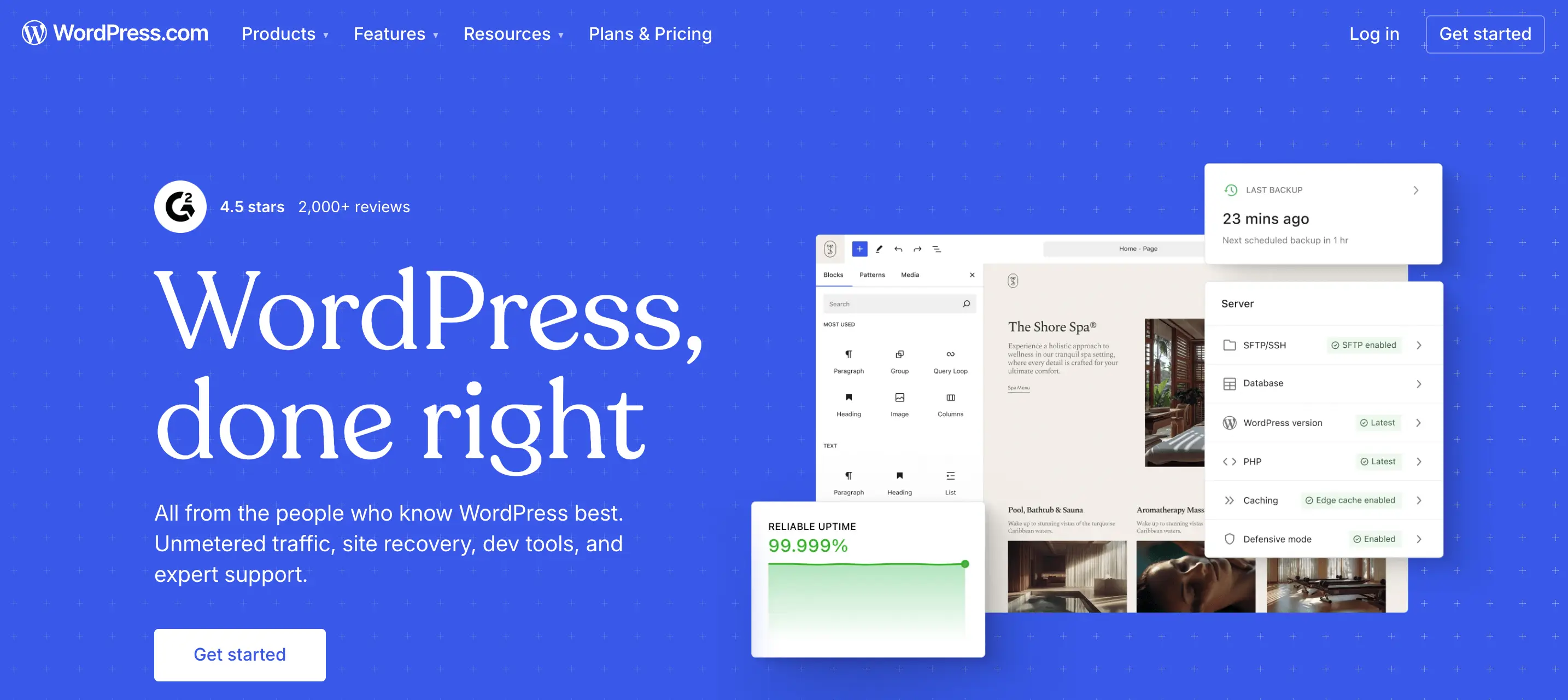
Most hosting providers offer one-click installation.Within minutes, you can log in, pick a theme, and start publishing content.
The interface is intuitive:
- Posts;
- Pages;
- Media;
- Plugins;
- Appearance.
Even without coding knowledge, you can navigate it comfortably.
Drupal
Drupal installation is not necessarily difficult, but configuration takes more effort.
You’ll likely need:
- Understanding of modules;
- Knowledge of content types;
- Familiarity with permissions and structure.
For a beginner, this can feel technical very quickly.
Verdict: If your priority is fast setup with minimal friction, WordPress wins.
Dashboard & Content Management
When evaluating Drupal vs WordPress, usability inside the dashboard matters most.
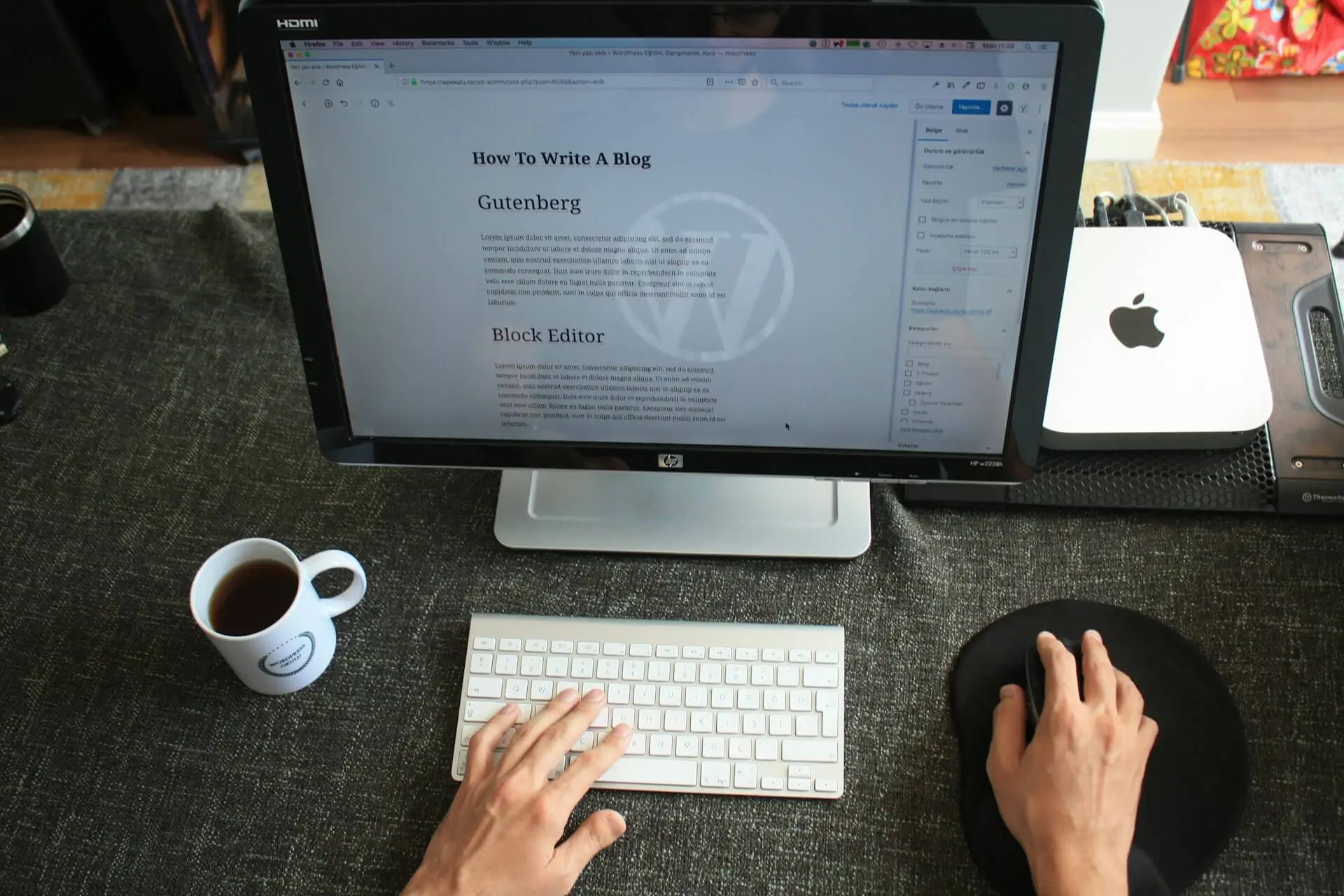
WordPress Dashboard
- Clean layout;
- Visual editors;
- Drag-and-drop builders available;
- Thousands of beginner-friendly themes.
You can create a page without touching code.
Drupal Dashboard
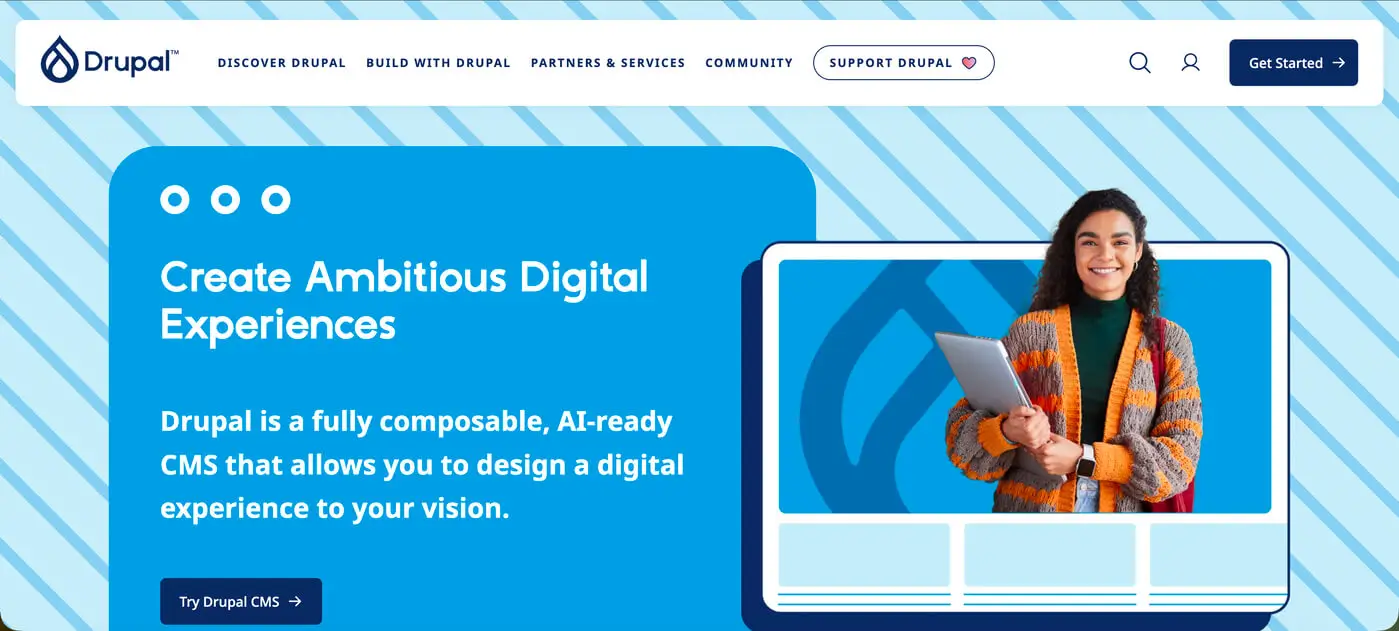
Drupal is structured differently. Instead of focusing on visual simplicity, it prioritizes structured content architecture.
You define:
- Content types;
- Fields;
- Taxonomies;
- Views.
This is powerful, but it requires a learning curve.
For beginners, Drupal may feel like you're building a system rather than simply creating a website.
Design Flexibility
WordPress
- Thousands of themes;
- Page builders (Elementor, Gutenberg, etc.);
- Easy visual customization.
It’s ideal if you want:
- Portfolio site;
- Business website;
- Blog;
- Landing pages.
Drupal
Drupal gives deeper structural control.
It’s strong for:
- Large platforms;
- Government websites;
- Complex permission systems;
- Highly customized content logic.
But achieving a polished UI usually requires developer involvement.
From a UX perspective, the platform is only as good as how it’s structured. I’ve seen both WordPress and Drupal websites perform extremely well, and extremely poorly, depending on how they were designed and implemented.
The CMS itself isn’t the final product. The strategy behind it is.
Pricing Considerations
Both platforms are open-source, meaning the core software is free. However, real-world costs differ.
When looking at WordPress pricing vs Drupal pricing, consider:
WordPress Costs
- Hosting;
- Premium themes (optional);
- Premium plugins (optional);
- Developer support (if needed).
You can start small and scale gradually.
Drupal Costs
- Hosting (often stronger server requirements);
- Developer setup;
- Ongoing maintenance;
- Custom module development.
Drupal projects typically involve higher upfront technical investment.
If you’re just starting, WordPress is usually more budget-friendly and scalable at your own pace.
Security & Performance
Drupal has a reputation for strong security architecture and is often used for enterprise or government websites.
WordPress is also secure, but because it's widely used, it requires:
- Regular updates;
- Quality hosting;
- Proper plugin management.
In reality, security depends more on implementation than platform choice.
So, Which Is More User-Friendly for Beginners?
If your goal is:
- Launching quickly;
- Managing content yourself;
- Minimizing technical complexity;
- Controlling budget.
then WordPress is generally the better starting point.
If your goal is:
- Building a large-scale structured platform;
- Handling complex permissions;
- Managing highly customized content architecture.
then Drupal may be worth considering - with developer support.
A More Important Question: Platform or Strategy?
Many beginners focus heavily on drupal vs wordpress, but the more important question is:
Is the website structured correctly from the start?
- Is the content hierarchy clear?
- Is the UX intuitive?
- Is SEO integrated properly?
- Is the system scalable?
I’ve worked on projects where WordPress outperformed complex Drupal setups, simply because the structure and UX were thoughtfully planned.
And I’ve seen Drupal power impressive platforms when the architecture required it.
The CMS is a tool. The outcome depends on how it’s designed and built.
Final Thoughts
For beginners, WordPress usually feels more accessible, affordable, and manageable.
Drupal offers depth and structural power, but expects technical understanding.
If you’re unsure which platform suits your project, the decision shouldn’t be based on popularity alone. It should be based on:
- Business goals;
- Content complexity;
- Long-term scalability;
- Budget;
- Internal technical skills.
If you're planning a new website and want help choosing the right platform, or making sure it’s designed and built properly from the beginning, that’s something I regularly help clients clarify before development even starts.
Reach out here and let’s look at your project together.
Choosing the right system is important. Designing it strategically is what actually makes it work.
0min
|
Website
|
Design
|
Development
|
Top Webflow Alternatives for Designers in 2026
Webflow remains a strong design-to-web platform, but in 2026 many designers look beyond it due to pricing, CMS limitations, ecommerce needs, or workflow preferences. Depending on the project, alternatives can offer better content management, faster delivery, simpler client handoff, or stronger specialization. This article breaks down the best Webflow alternatives for designers, focusing on real-world use cases rather than hype.
What Makes a Strong Webflow Alternative for Designers
A viable alternative to Webflow should meet most of the following criteria:
- Visual control over layout and spacing
- Flexible CMS for real content, not just static pages
- Solid SEO and performance foundations
- Reasonable learning curve for designers
- Clean client editing and handoff experience
- Scalability without locking projects into a rigid system
Not every platform checks every box. The key is matching the tool to the project.
Best Webflow Alternatives for Designers
WordPress
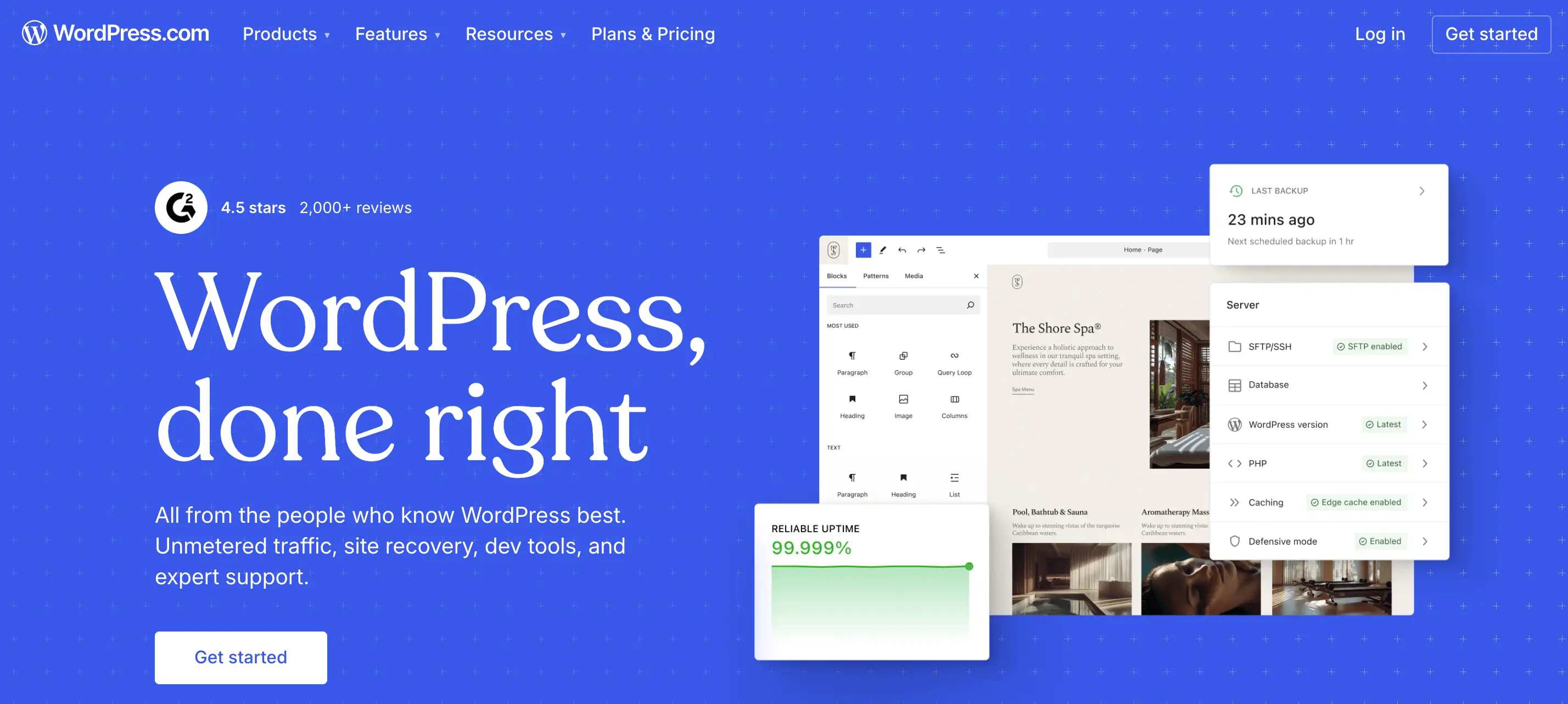
WordPress remains the most flexible free alternative to Webflow, especially when paired with modern page builders or custom themes.
Its core strength lies in how content can be modeled and extended. WordPress supports custom post types, custom fields, taxonomies, and granular user roles, allowing designers to build websites with complex page relationships, reusable content blocks, and scalable information architecture. This makes it well suited for blogs, editorial platforms, service websites, and large multi-page structures.
From a technical standpoint, WordPress provides direct control over SEO fundamentals such as URLs, metadata, schema, internal linking, and performance optimization. Hosting is fully decoupled from the platform, which allows projects to scale or be optimized without changing tools.
Strengths
- Powerful CMS and blogging capabilities
- Mature SEO ecosystem
- Full ownership and hosting flexibility
Limitations
- Requires setup and ongoing maintenance
- Design consistency depends on implementation quality
Best for: Content-heavy sites, SEO-driven projects, long-term scalable platforms.
Wix
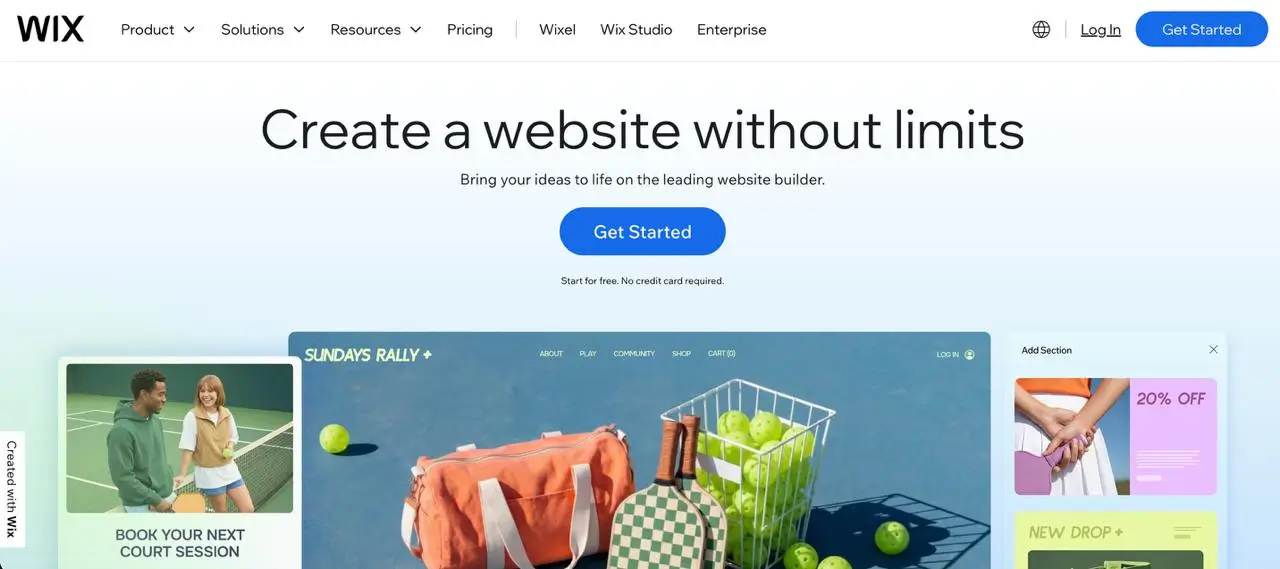
Wix has evolved into a more design-capable platform, particularly with its professional tooling aimed at freelancers and small studios.
It prioritizes speed, ease of use, and all-in-one convenience. Compared to Webflow, it trades deep layout control for faster delivery and simpler client management.
Strengths
- Quick visual building
- Integrated hosting, CMS, and SEO tools
- Low technical overhead
Limitations
- Less granular control over layouts
- Limited flexibility for complex structures
Best for: Small business sites, fast launches, low-maintenance projects.
Framer
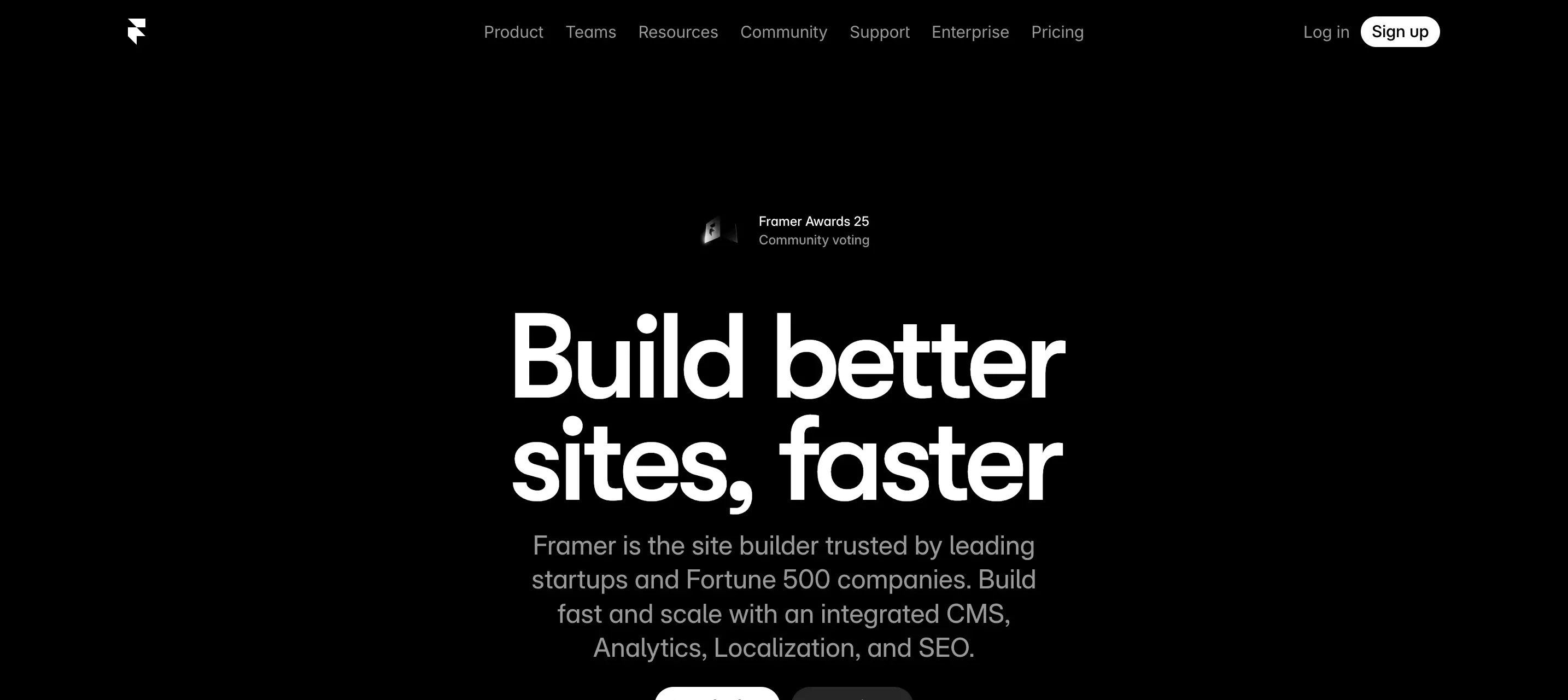
Framer positions itself as a design-native website builder, appealing strongly to UI and UX designers.
It emphasizes animation, interaction, and responsiveness with minimal friction between design and production. While visually powerful, its CMS capabilities are more limited compared to Webflow.
Strengths
- Designer-first workflow
- Strong interaction and animation tools
- Fast iteration for marketing pages
Limitations
- Limited CMS depth
- Not ideal for large content structures
Best for: Landing pages, marketing sites, portfolios, product launches.
Shopify

Shopify is not a general website builder, but it is a great alternative when ecommerce is the core requirement.
It replaces Webflow Ecommerce with a more mature system for payments, inventory, checkout, and scalability. Design flexibility exists, but always within an ecommerce-first framework.
Strengths
- Best-in-class ecommerce infrastructure
- Reliable checkout and payment flows
- Strong ecosystem of apps
Limitations
- Content-heavy layouts are harder to manage
- Design freedom is secondary to commerce
Best for: Online stores, product-focused brands, scalable ecommerce sites.
Squarespace

Squarespace focuses on polished templates and visual consistency rather than custom layouts.
Compared to Webflow, it offers less flexibility but a smoother experience for designers who want predictable results with minimal configuration.
Strengths
- Strong design consistency
- Simple content editing for clients
- Minimal setup and maintenance
Limitations
- Limited layout customization
- Not suited for complex or unique designs
Best for: Portfolios, service websites, creators, small teams.
Craft CMS
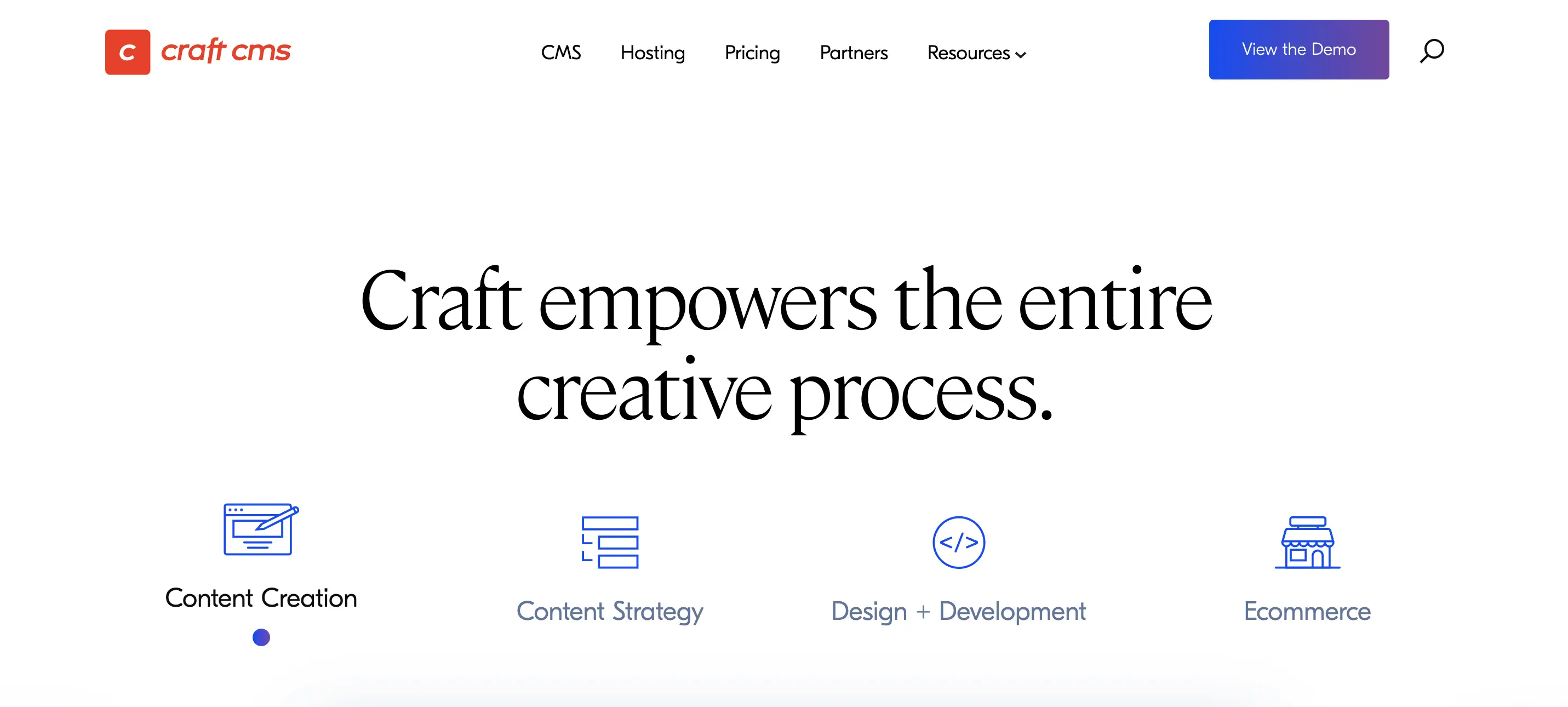
Craft CMS is a CMS-first alternative suited for designers working with developers.
It offers advanced content modeling and full design freedom, but requires custom front-end development. Compared to Webflow, it shifts control from visual building to structured systems.
Strengths
- Highly flexible content architecture
- Strong performance and scalability
- No imposed front-end constraints
Limitations
- Requires development resources
- Longer setup and build cycles
Best for: Custom builds, complex content systems, enterprise-level projects.
Final Thoughts
Webflow is a capable platform, but it is not always the right starting point. In 2026, alternatives like WordPress, Framer, Wix, Shopify, and Craft CMS often provide a better fit depending on content needs, scalability, SEO requirements, and long-term maintenance.
If you’re unsure which platform to choose, that uncertainty is common. The wrong decision at the beginning can lead to limitations later, especially when a website needs to grow, rank in search, or support ongoing content updates.
If you need help selecting the right platform and building a professional, SEO-friendly website, I work on development projects focused on clean structure, performance, and long-term usability. The goal is not just to launch a site, but to choose a foundation that supports your business over time.
Design Your Next Success
Partner with me to create exceptional brand identity.